Notes · 28 October 2026 · 2 min read
Team photos and portraits for your website and LinkedIn
How do you get portraits and team photos that really look like your people? On location, clothing, planning and a consistent style for the whole team.

On a website or LinkedIn profile, people look at faces first. A good portrait makes a company human and trustworthy; a blurry selfie or a photo from ten years ago does the opposite. How do you approach portraits and team photos so they suit your company?
Choose one style for everyone
Most important: all portraits should look the same. The same background or setting, the same light, the same crop. Then your team page looks like one whole, and you can add new colleagues in the same style later.
Neutral background or own workplace?
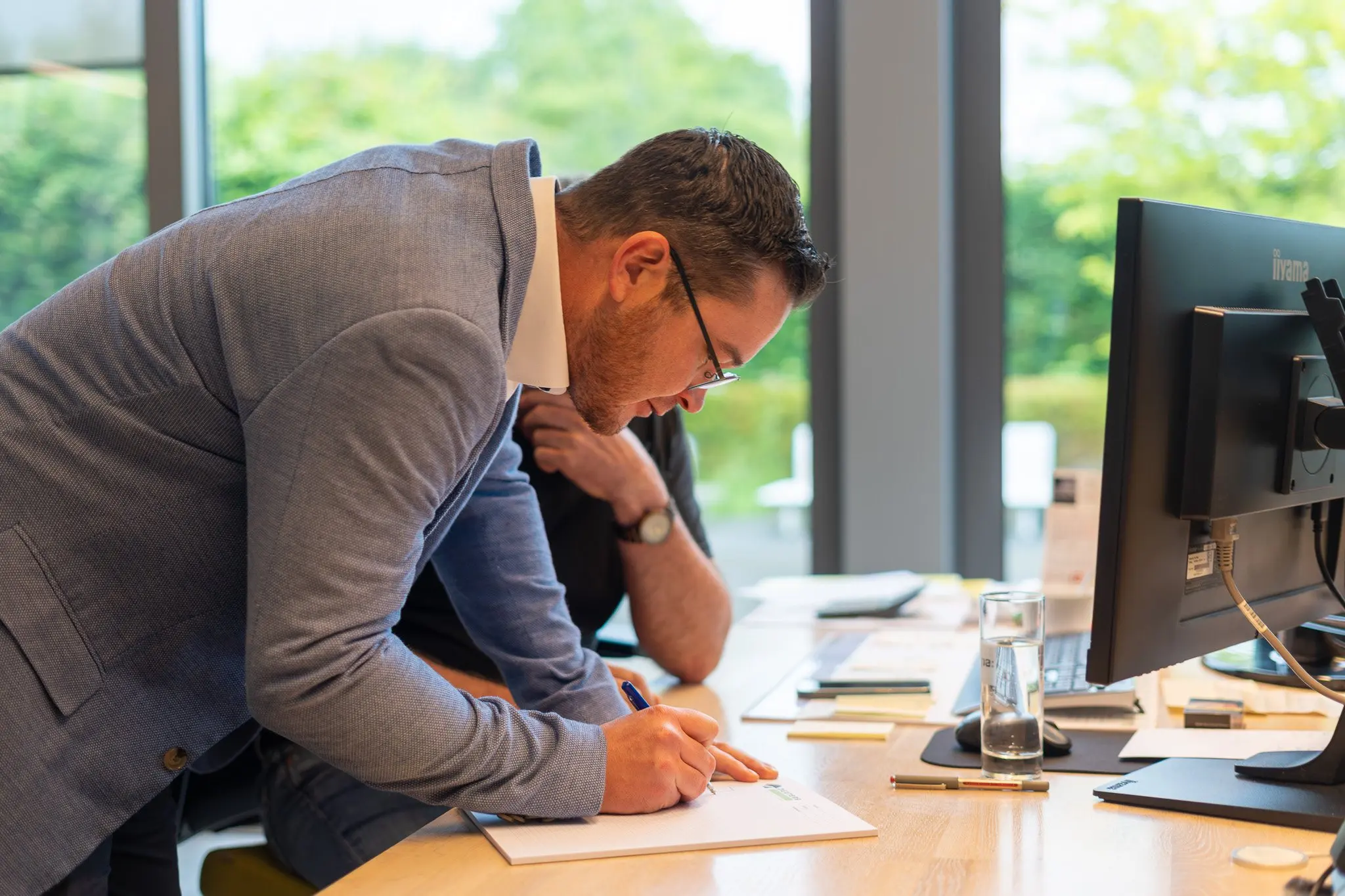
A neutral background is timeless and easy to repeat. A portrait at someone’s own workplace (workshop, office, site) says more about what you do. Many companies choose both: a clean portrait for the team page and LinkedIn, and images of people at work for the rest of the site.
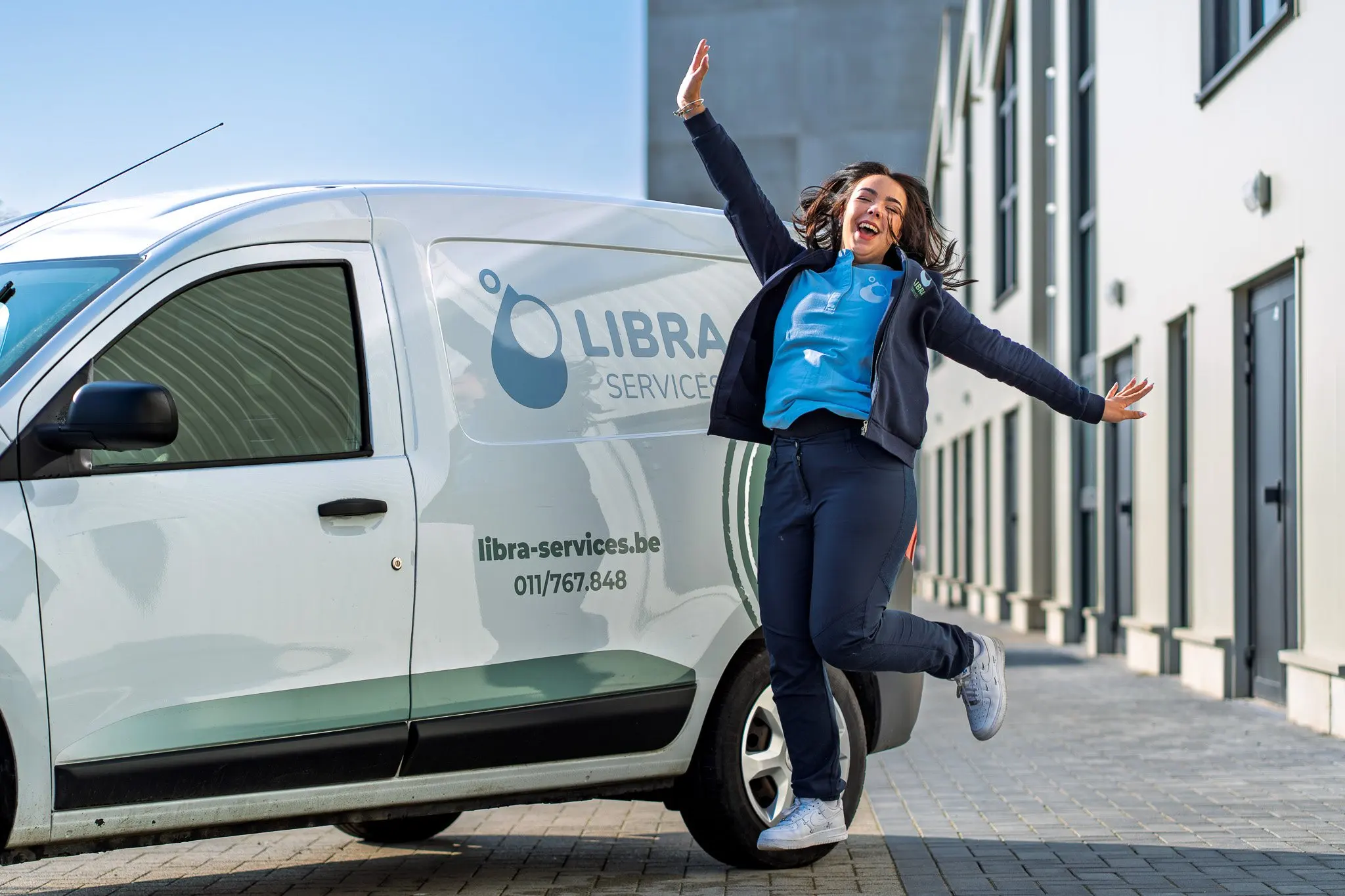
For Libra Services we made portraits of employees as well as images of them at work, for website and social media. At Ramen Dexters the office and team came together in one series with the workshop and the site.
Clothing
Ask everyone to wear plain clothing they would also wear at work. Busy prints and logos of other brands distract. Workwear with your own logo can actually be strong. Bring a spare shirt or jumper, just in case.
Planning
A portrait takes a few minutes per person, but everyone has to be available at the same time. Make a schedule per department, so nobody has to wait long. Plan the group photo at the start or the end, when everyone is there.
At ease in front of the camera
Most people do not enjoy being photographed. A calm set-up, some explanation and a few test shots help. A good photographer talks while shooting and picks the image in which someone is relaxed, not the first one.
Formats
Think in advance about where the photos will go:
- LinkedIn and email signature: square or round crop, face in the centre.
- Team page: usually portrait, with some space around the person.
- Press releases and presentations: landscape, with room for text.
Have the photographer shoot wide enough, so you can crop all formats later.
For employer branding too
Portraits and images of your team are also strong in job ads. More on this in Employer branding: your team and your workplace on camera.
Planning a photo day for your team? Tell us how many people and where.