Notes · 16 November 2026 · 3 min read
Motion graphics in your corporate video: when does animation add something?
Titles, figures, overlays and an animated logo. When does motion design make a filmed video clearer, and when do you choose a fully animated film?

Motion graphics are everything that moves in a video without being filmed: titles, names, figures, maps, a logo that builds itself up. In a good film you barely notice them. They are there the moment you need them and then disappear again.
What a camera cannot show
A camera shows people and places. It does not show a date, an address, a number or a speaker’s name. That is where motion begins.
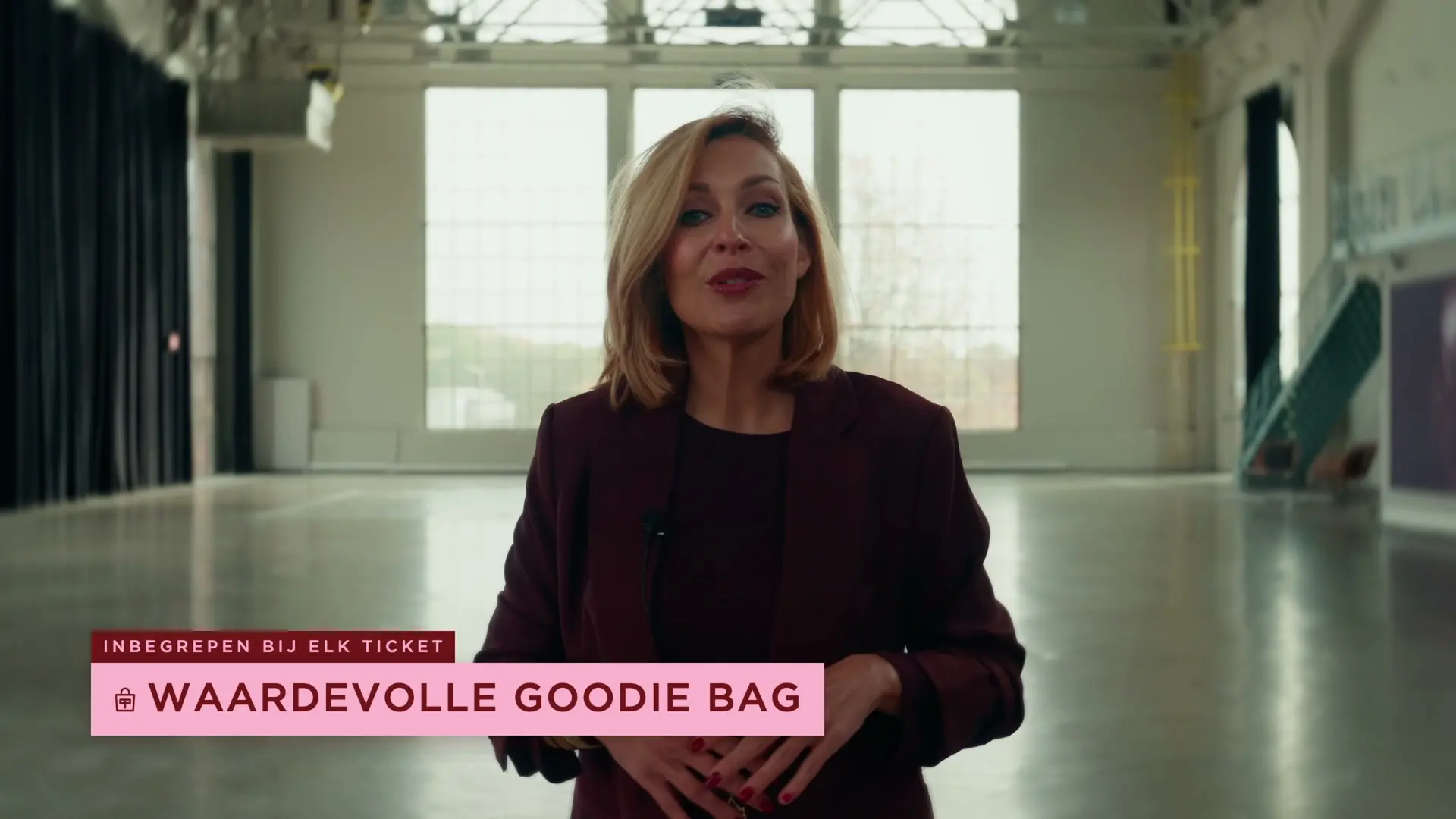
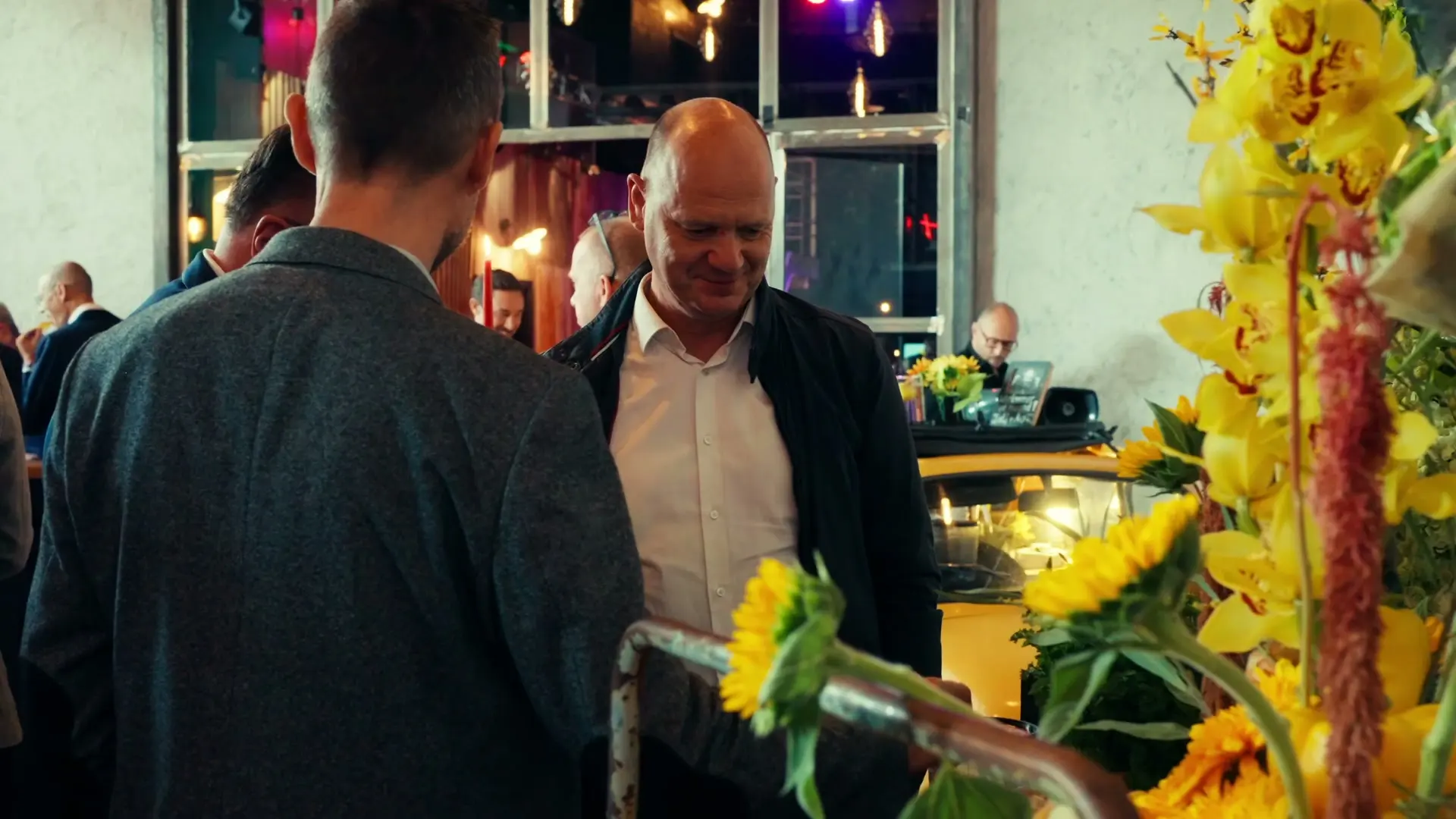
The announcement film for Cent Pur Cent’s KabukiFest had to explain in one go what the event is, who it is for and why you want to be there. The footage from the previous edition carries the atmosphere. A layer of custom overlays carries the practical information, without breaking the pace. When tickets were almost gone, a shorter cut followed in the same visual language.
One to three things that stick
The most common mistake is too much. If every sentence gets a label, the viewer reads instead of watching. Choose the few facts per film that need to stick and give only those a place on screen. The rest can be said or shown.
The same goes for the form. Typeface and colour come from your brand identity, not from a template. An overlay that shouts louder than the image beneath it works against the film.
Figures give an event film a backbone
An aftermovie of a corporate event has to do two things: let you feel what the evening was like and show where the company stands. A figure that is only spoken is quickly gone. On screen it stays. In the aftermovie for La Linea Verde the keynote and the figures carry the film, and the last seconds are animation: the old logo turns into the new brand. That way the film remains useful as communication after the event, and not just as a memory.
It also has to work without sound
Many videos are watched without sound. Titles and subtitles then carry the message. They do share the same place on screen, usually at the bottom. So plan them together, so that a figure does not disappear behind a subtitle. More on this in Subtitles in your corporate video.
Filmed, animated or both?
- Filmed works when people, places or products are the message. Trust comes from real faces and real work.
- Fully animated works when there is nothing to film: software, a service, a process that unfolds in steps, a product that does not exist yet.
- Both is in practice most often the answer: a filmed video with a layer of motion for what needs explaining.
Ask yourself one question: can I show this with a camera? If the answer is yes, film it. If the answer is no, animation is the only way.
If it concerns a product or a space that does not exist yet, a render is often the starting point. More on this in 3D render or photoshoot: which do you choose when?
What you supply in advance
- Your logo as a vector file and the typefaces of your brand identity.
- The colour codes.
- Figures, names and job titles, checked by someone who vouches for them.
- Translations, if the film is released in several languages.
That checking is not a detail. A typo in a title cannot be fixed with a cut. The title has to be remade and the film exported again, in every format.
What it does to the schedule
Motion comes after the edit. If the edit changes after the animations are made, they shift along with it and part has to be redone. So approve the edit first, and only then have it animated.
Think about the formats too. A title designed for a wide frame falls outside the frame in a vertical version. Each format gets its own layout. The number of graphics, formats and languages therefore helps determine how much work is involved.
Want to know whether motion adds something to your film? See what we do in 3D and motion or tell us what the film needs to explain.