Notes · 28 October 2026 · 2 min read
Capturing a product launch: from teaser to launch day
Which photos, videos and renders do you need to launch a new product, and in what order do you plan them? On the teaser, the launch and what comes after.

You only launch a new product once. From the first announcement to the weeks after the launch you need images: to spark curiosity, to show the product and to sell it. If you plan that in advance, you make everything in one production instead of starting again each time.
Phase 1: the teaser
Before the launch you want attention, without showing everything. Think of details, silhouettes, a fragment of the packaging, a short video with atmosphere. If the product isn’t ready yet, a 3D render can already deliver images.
Phase 2: the launch
On the day itself everything has to be ready:
- Packshots for the webshop: cut out, consistent, in every variant.
- Lifestyle images: the product in use or in its setting.
- A main video or video banner for the website.
- Vertical videos for social media.
- Images for the press and partners, in high resolution.
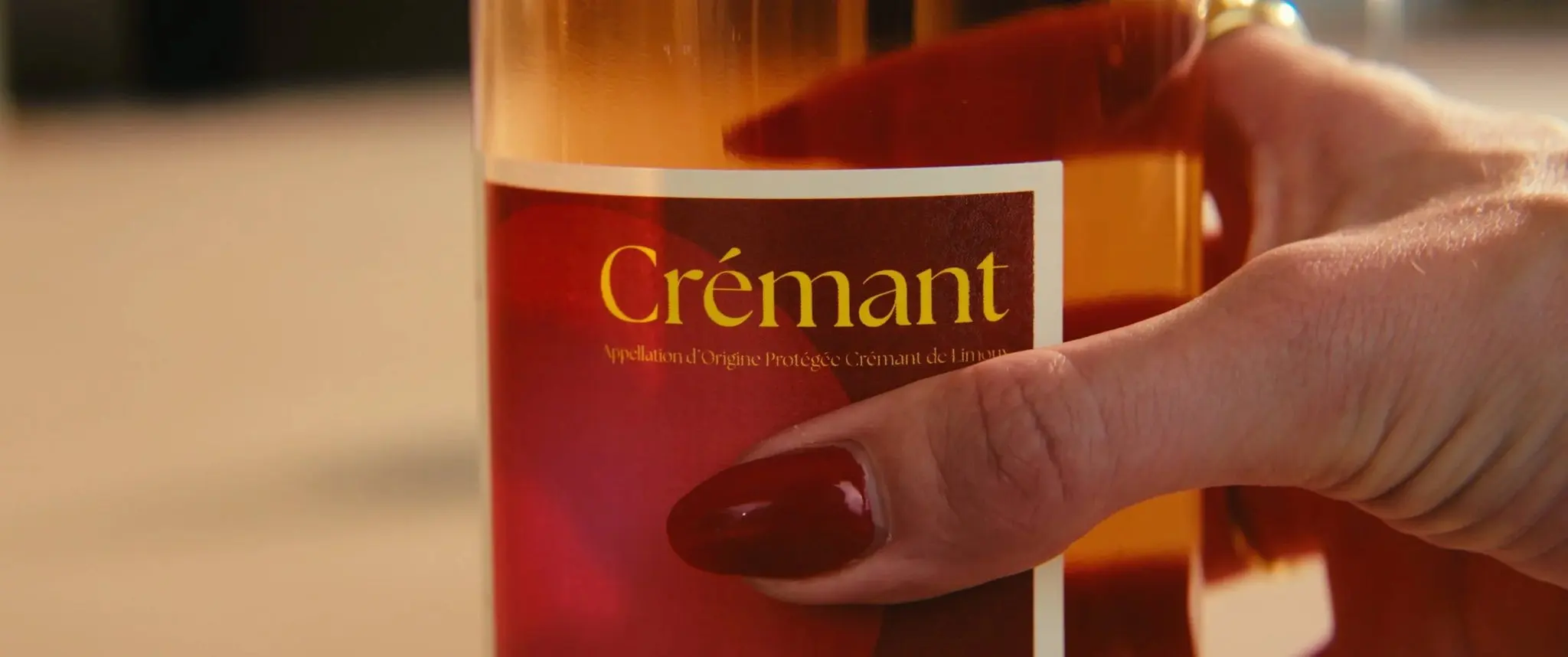
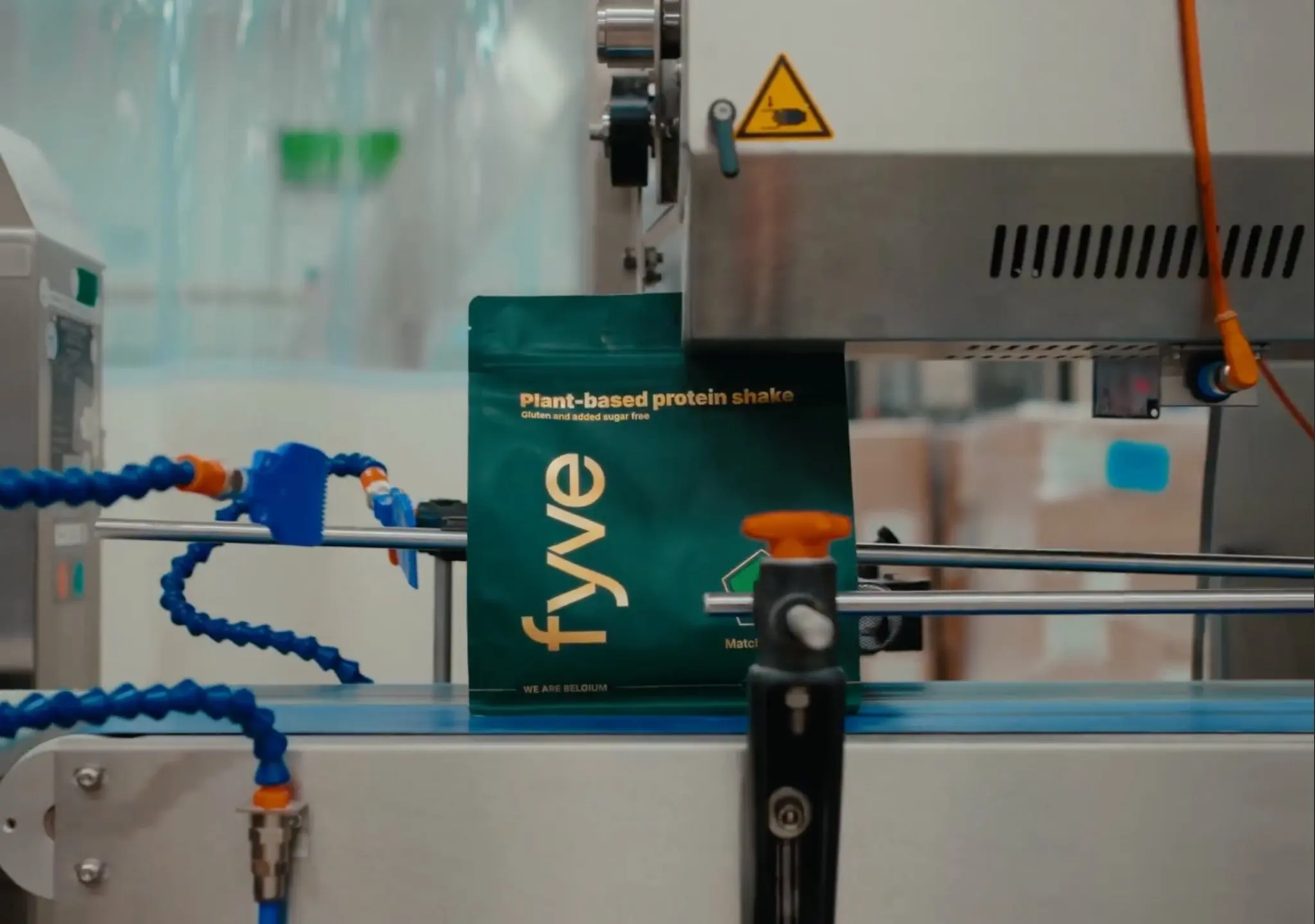
The most important thing is that everything looks like one whole: the same light, the same colours, the same style. For FYVE we made video and product stills as one consistent series. For Lucé Crémant Rosé it was a video banner, a vertical reel and a lifestyle image, with the same light, elegant feel on web and mobile.
Phase 3: after the launch
After the first weeks you need new images to hold attention: details, applications, customer reactions. If you shoot enough variety during the launch shoot, you already have material for that.
Plan it as one production
Planning a photoshoot and a film day separately takes more time and often results in a different style. Combine them: the same set, the same light, photo and video one after the other. Make a list in advance of every format you need, for each channel.
Packshots: the foundation
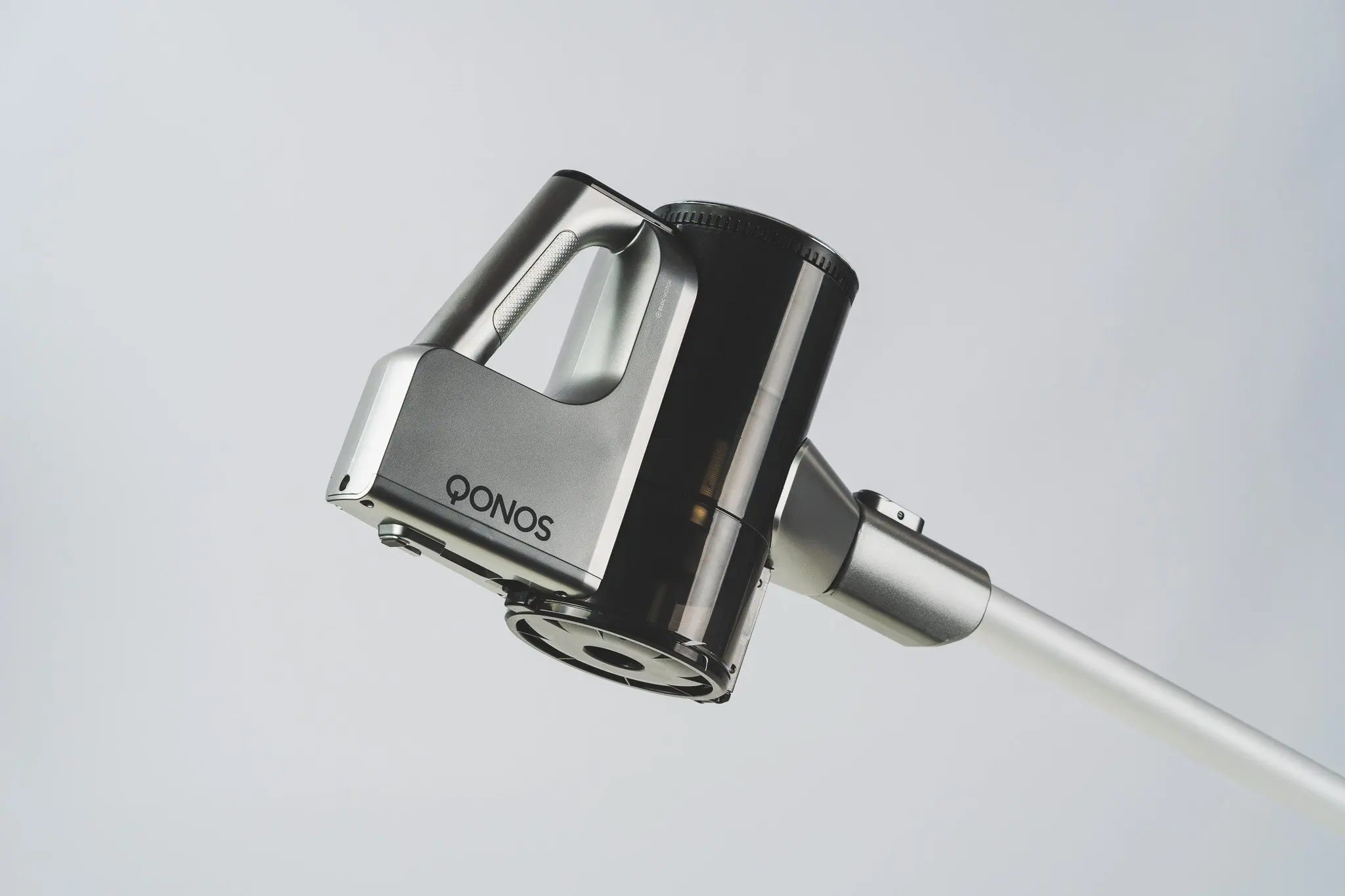
For a webshop you need a set of standard images per product: front, side, detail, packaging. For Qonos we photographed the full range in the studio: product shots, details and arrangements. More on the difference between a packshot and a lifestyle image in Product photography for your webshop.
Timeline
Count back from the launch date. Images must be ready when the webshop, the press kit and the first posts are being prepared, not on the day itself. Also leave time for selection, retouching and editing.
Launching a product? Tell us when and what, and we will draw up a schedule together.